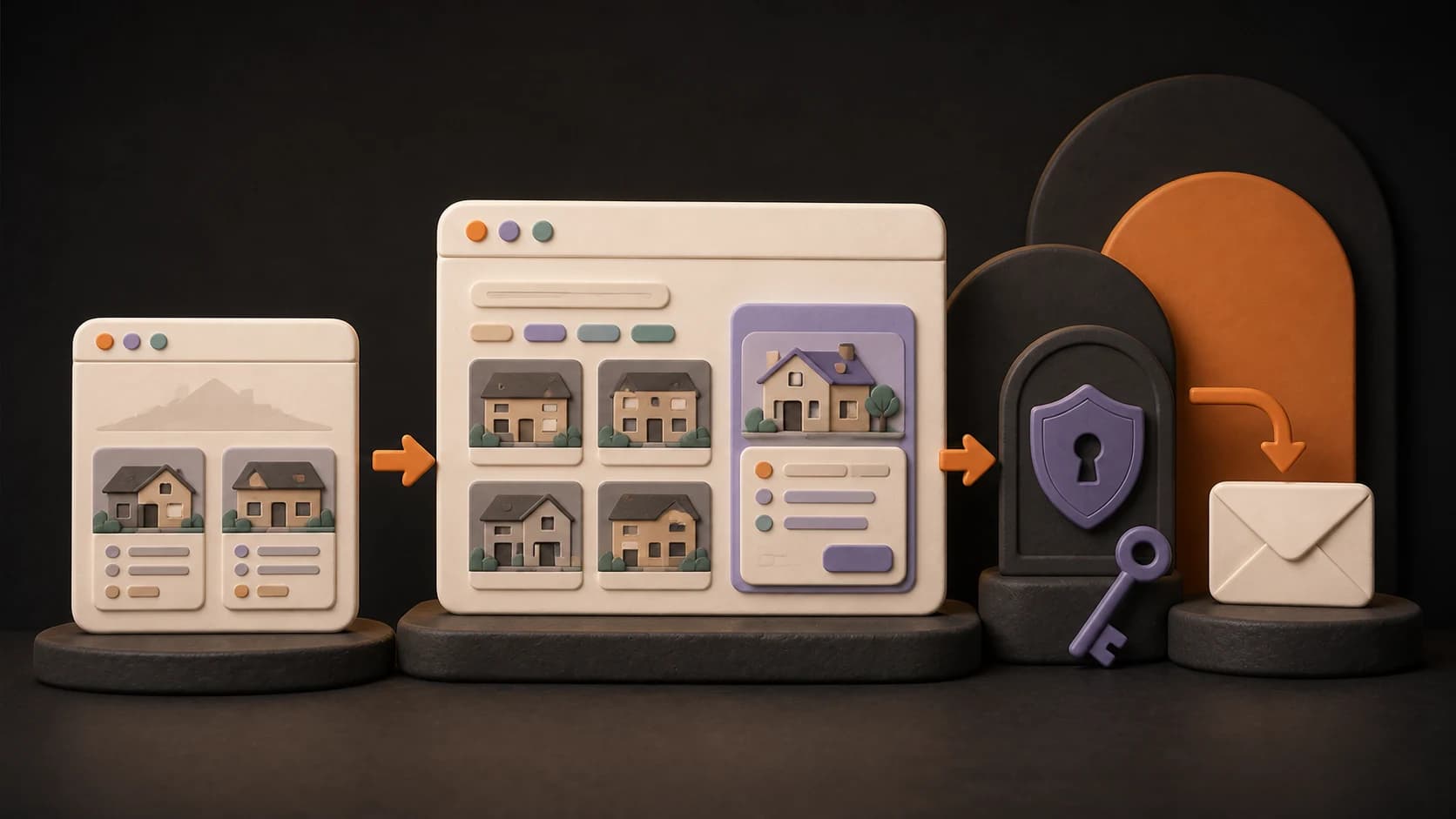
Yes, you can build a useful real estate agency website with AI without writing code yourself. The realistic first version is not a giant property portal. It is a focused website where visitors can understand the agency, browse current properties, contact the team, and send an inquiry—while the owner can update content without exposing private information.
AI can help you plan pages, generate the interface, connect data, and find problems. You still own the business facts, property rights, privacy decisions, testing, and day-to-day operation.
Choose the kind of website you actually need
“Real estate website” can describe three very different products. Decide which one you are building before choosing pages or tools.
| Website type | What visitors can do | What the owner manages | Best fit |
|---|---|---|---|
| Brochure site | Learn about the agency and open a phone, email, or messaging link | Occasional text and contact changes | A new agency that needs a credible online presence |
| Property catalog | Browse and filter published properties, then open a detail page | Listings, images, availability, and agency details | An agency with its own changing inventory |
| Lead-generating site | Browse relevant properties, use verified contact channels, or submit a private inquiry | Listings, contact routes, inquiries, and follow-up status | An agency that needs a repeatable visitor-to-lead path |
For most small agencies, the third option is the useful target—but it can still be a small product. A customer account, marketplace, payment flow, booking system, CRM, or automatic property feed is a separate expansion, not a requirement for version one.
If you are still deciding whether an idea deserves a full build, start with the guide to turning an AI idea into a testable prototype. If you are comparing tools, use the evidence-based Lovable, Replit, and Bolt comparison.
Draw the product boundary before you build
A simple product map prevents public pages, private inquiries, and owner tools from becoming mixed together.
PUBLIC
Home → Property catalog → Property detail → Contact or inquiry

PROTECTED
Owner sign-in → Agency content → Properties → Private inquiries

NOT IN VERSION ONE
Customer accounts → Marketplace → Payments → Booking → CRM → Property feed
This boundary answers three questions that an AI builder cannot safely decide for you:
- What may every visitor see?
- What may only the owner change?
- What personal information must remain private?
Write those answers into the project brief. Lovable's official product guide likewise recommends defining the user, problem, purpose, key action, and a deliberately narrow first version before building. It also recommends working in small, testable changes rather than asking for the entire product at once.
Prepare a source of truth for the agency
Do not ask AI to invent the agency it is supposed to represent. Prepare a short, verified source document first:
- legal or public business name;
- service area and property types;
- approved logo, colors, and photography;
- phone, email, address, and messaging links;
- real services and claims the agency is allowed to make;
- property fields such as price, location, status, size, bedrooms, and amenities;
- who owns or has permission to use each image and description;
- how quickly the team can realistically respond to an inquiry.
Treat generated copy as a draft. A person responsible for the agency should verify every visible price, location, availability status, contact route, and claim before publication. Local rules for advertising, consent, cookies, and personal data also need review in the markets where the agency operates.
Build the public visitor journey first
Start with the shortest useful path:
- The home page explains which agency this is, where it works, and what the visitor can do next.
- The catalog shows only published properties and offers filters that match real visitor decisions.
- Each property page presents verified facts, useful images, current status, and one clear contact action.
- The contact path opens the correct phone, email, or messaging destination—or submits a private inquiry.
Build this path with a few realistic example properties before adding a database. This makes it easier to judge the structure and wording without debugging data at the same time. Once the visitor journey works, replace sample content with a persistent source the owner can maintain.
The filters should reflect the agency's actual inventory. Location, property type, sale or rent, price range, and bedrooms are common starting points, but a filter that rarely changes the results only adds work.
Add live content and protected owner access
A catalog becomes operational when property content can change without rebuilding the interface. That usually means a database for agency details, properties, images, and inquiries, plus a protected area for the owner.
Keep the access model small:
- visitors can read only properties marked for publication;
- one authorized owner can create, edit, publish, unpublish, and deliberately delete listings;
- submitted inquiries are visible only to the owner;
- another signed-in user does not automatically receive owner permissions;
- secret service credentials never appear in browser code or a public repository.
If you use Supabase, protect exposed data with Row Level Security and grant only the access each role needs. Supabase explicitly warns that service-role and secret keys must never be exposed on the frontend (Supabase data security). Authentication proves who signed in; authorization decides what that person may read or change. A login screen alone is not an access-control system.
Separate direct contact from private inquiries
Phone, email, LINE, WhatsApp, and similar links hand the conversation to an external service. Test every destination with the real device and account the agency will use.
A website inquiry form creates a different responsibility because it stores personal data. Keep the first form short—typically name, contact detail, property or topic, and message—and answer these questions before launch:
- Where is the submission stored?
- Who can read it?
- What does the visitor agree to when submitting it?
- How will spam and abuse be handled?
- When will old inquiries be deleted?
- Who follows up, and where is the status recorded?
Do not place submitted inquiries in a public table or send them back to unrelated visitors. If the team does not have a clear process for stored inquiries yet, launch with verified direct-contact links and add the form later.
Test two roles on phone and desktop
A polished screenshot does not prove that the website works. Test the actual journeys with realistic data.
Visitor checks
- Open the home page, catalog, and several property URLs while signed out
- Use every filter and confirm that empty results are understandable
- Open every contact route and submit one test inquiry
- Confirm that unpublished properties and private inquiries cannot be reached
- Navigate by keyboard and check readable text, form labels, focus states, and image alternatives
Owner checks
- Sign in with the intended owner account
- Create, edit, publish, unpublish, and delete a test property
- Add and replace an image
- Open the test inquiry and update its follow-up status
- Sign in as a different user and confirm that owner pages and data remain blocked
Repeat the visitor journey on a narrow phone screen and a desktop screen. Mobile accessibility is covered by the same WCAG principles used for the wider web, including perceivable content and operable controls (W3C mobile accessibility guidance).
Publish with a domain—and keep a way back
Before launch, replace sample properties, check every business fact, remove test inquiries, and save a known-good version of the project. Then publish the application, connect the agency's domain, verify DNS and HTTPS, and repeat the visitor and owner checks on the permanent URL. Vercel documents the domain-addition and DNS-verification steps separately from the application deployment itself (Vercel custom-domain guide).
Keep access to the code repository, hosting project, database, domain registrar, and service accounts under the agency's control. An AI builder can accelerate changes, but it should not become the only place where the business can recover its website.
Know what remains the owner's responsibility
AI changes how the website is made; it does not remove ownership work. After launch, someone still needs to:
- keep availability, prices, descriptions, and contact details accurate;
- confirm rights to property photos and other media;
- review inquiries and follow up consistently;
- manage user access and service credentials;
- monitor errors, form abuse, storage, and provider limits;
- back up important data and know how to restore service;
- test changes before they reach visitors;
- review local legal and privacy obligations.
If this list has no owner, simplify the website until the agency can operate it reliably.
Your next step
Write one sentence that defines the first release:
Visitors can browse our published properties, open a verified contact channel or send a private inquiry, while one authorized owner manages agency content and listings.
Then list what is explicitly excluded. This gives an AI builder a clear boundary and gives you a testable definition of “done.”
Before you build, turn that boundary into launch requirements with the Real Estate Website Checklist. If budget will determine the approach, compare the real estate website cost scenarios for an owner-built AI site, a managed CMS, and hired help.
For a guided build—from the first agency brief through live content, protected owner tools, inquiries, deployment, and a custom domain—follow the Real Estate Agency Website course. For the broader path from an AI-built prototype to a maintained product, read Vibe Coding for Beginners.
FAQ
Can I build a real estate website with AI without coding?
Yes. An AI builder can create the interface and help connect common services without requiring you to type the implementation yourself. “No code” does not mean “no decisions”: you still need to define access, verify content, test the result, and operate the published website.
Do I need an automatic property feed or MLS/IDX integration?
Not for a focused site that publishes the agency's own manageable inventory. An external feed adds provider contracts, data rules, synchronization, and regional requirements. Treat it as a later integration only when the business case is clear.
Do visitors need customer accounts?
Usually not in the first version. Visitors can browse public listings and contact the agency without signing in. The owner can use a separate protected area to manage content and inquiries.
Can AI write the property descriptions?
AI can help draft and structure them, but the agency should verify every factual claim, price, location, status, and usage right before publishing. Never let generated wording imply a feature or promise that the property does not have.