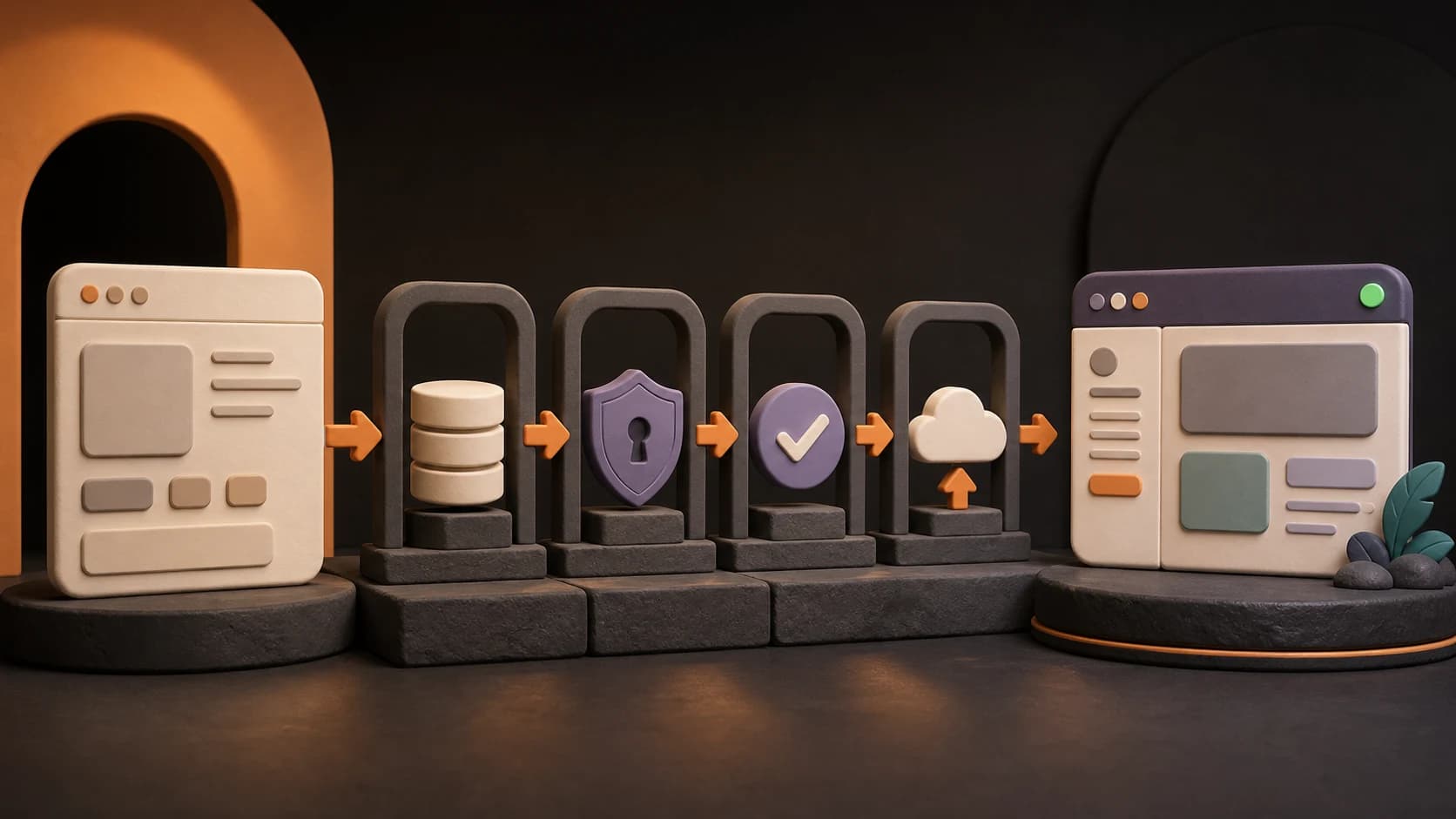
Vibe coding is a way to build software by describing what you want to an AI tool, reviewing what it creates, and refining the result through prompts and direct edits. It can help a beginner reach a working prototype quickly. But a prototype becomes a live product only after you verify its data, access rules, failure cases, deployment, and ongoing operation.
This guide is a readiness map for that second part of the journey. It will not teach you to choose or validate an idea from scratch. If that is where you are, begin with From AI Idea to Testable Prototype, then return here when real people are about to depend on what you built. If you are still choosing a builder, compare Lovable, Replit, and Bolt for beginners before committing to a workflow.
The short version: a public URL is not the finish line
A generated demo proves that a tool can produce an interface. A testable app proves that someone can complete the core task. A live product must keep doing the right thing when different users, real data, slow networks, failed payments, expired sessions, and unexpected inputs enter the picture.
That distinction matters because AI can generate plausible code without proving that the whole system is safe or reliable. The human builder still owns the product promise and the decision to expose it to real users.
Use this simple progression:
| Stage | What it proves | What is still missing |
|---|---|---|
| Prototype | The idea can be represented as a usable flow | Real data, reliable behavior, access control, operations |
| Testable app | A small group can complete the main task with realistic inputs | Production safeguards, recovery, monitoring, support |
| Live product | The intended users can use the product under defined conditions, and the owner can operate and recover it | Continued maintenance, learning, and improvement |
A live product is not guaranteed to be secure, successful, or finished. “Live” means you have deliberately accepted a known operating boundary and can respond when reality breaks your assumptions.
Start by defining the launch boundary
Do not ask, “Is the whole app ready?” That question is too vague. Write a small launch boundary instead:
- Who can enter: invited testers, paying customers, employees, or anyone on the web
- What they can do: one named workflow, not every future feature
- What data is involved: public, personal, financial, health-related, or business-confidential
- What promise you make: for example, “saved tasks remain available across devices”
- What you will not support yet: team accounts, file uploads, refunds, offline use, or another explicit exclusion
The wider the audience and the more sensitive the data, the stronger your checks must be. An invitation-only meal-planning test and a public app that stores identity documents do not share the same launch bar.
This boundary also gives the AI a better assignment. Instead of asking it to “make the app production-ready,” ask for one verifiable change at a time, then inspect the result.
Use a launch-readiness scorecard
Score each row with evidence, not confidence. “The AI added authentication” is a claim. “User A cannot read User B's record when the request is changed manually” is evidence.
| Readiness area | Prototype | Testable app | Live product evidence |
|---|---|---|---|
| Core promise | Happy-path screen exists | Target users complete the main task | The task succeeds under the stated launch conditions |
| Data | Sample or local data | Realistic data persists | Validation, deletion, retention, export, and recovery are defined where relevant |
| Identity and access | May have no accounts | Intended login flow works | Every protected action is checked on the server or data layer, including cross-user tests |
| Secrets and integrations | Temporary or mocked services | Test credentials and failure states | Secrets stay out of client code and source history; limits and provider failures are handled |
| Quality | Main screen looks plausible | Core flow works on target devices | Empty, loading, error, retry, duplicate-action, and accessibility cases are checked |
| Deployment | Builder preview opens | Preview deployment is shareable | Production domain, configuration, HTTPS, and rollback path are verified |
| Operations | No operating process | Feedback is collected manually | Logs, alerts, backups, restore expectations, support, and ownership are defined |
| Cost | Free or trial usage | Small test budget is known | Usage limits, paid dependencies, and a stop or scale threshold are known |
You do not need the most advanced solution in every row. You do need an honest answer for every row that your launch boundary touches.
Gate 1: verify data behavior before adding real users
First, map every piece of data the product creates or receives.
For each item, ask:
- Where is it stored?
- Who can read, create, change, and delete it?
- What input is rejected?
- What happens if a save is repeated, interrupted, or only partly succeeds?
- Can you recover the data if a user or automation removes it by mistake?
- Do you actually need to collect it?
Test the lifecycle, not only the “Save” button. Create a record, refresh, sign out, sign in on another device, edit it, delete it, and confirm what other users can see. If deletion is part of your promise, verify whether it is immediate, delayed, or only hidden from the interface.
Back up code and user data as separate assets. A Git repository preserves project files and revision history, and GitHub documents independent repository backup options. It does not automatically back up the database or uploaded files. Likewise, a managed database backup may exclude storage objects; for example, Supabase states that database backups do not include objects stored through its Storage API. Read the backup and restore contract for every service you use: GitHub repository backups and Supabase database overview.
Gate 2: separate login from authorization
Authentication answers “Who is this?” Authorization answers “What is this person allowed to do?” A login screen proves only the first part.
A beginner-friendly access test uses at least three states:
- signed out;
- signed in as User A;
- signed in as User B or an administrator with a different role.
Try protected actions from each state. Change record IDs in URLs and network requests. Attempt to open another user's page directly. Check read, create, edit, and delete separately. Hiding a button is useful interface behavior, but it is not an access rule.
OWASP recommends enforcing access control in trusted server-side code or serverless APIs, denying access by default except for public resources, and testing access control in unit and integration tests. Its current Top 10 keeps broken access control as the first category: OWASP A01: Broken Access Control.
If your app exposes a Supabase database to browser clients, use both database privileges and Row Level Security policies. Supabase explains that grants decide which roles can reach an object, while RLS decides which rows those roles can access: Securing your Supabase API.
Do not treat a generated policy as verified until you have tried to break it with the wrong user.
Gate 3: keep secrets out of the browser and repository
Payment secrets, database credentials, private API tokens, and email-service keys must not be pasted into frontend code, screenshots, chat history intended for sharing, or committed configuration files.
Store server-side secrets in the deployment platform's environment-variable system and expose only values explicitly designed to be public. Vercel, for example, supports sensitive environment variables whose values become unreadable after creation. It also notes that environment-variable changes apply only to new deployments: Vercel sensitive environment variables and environment-variable behavior.
For every external service, record:
- which environment uses which credential;
- who can rotate or revoke it;
- what the product shows when the service is slow, unavailable, or over quota;
- whether a failed request can safely be retried;
- what cost can grow with usage.
If a secret has entered source history or a public prompt, removing the visible line is not enough. Revoke or rotate the credential, then clean up exposure according to the provider's instructions.
Gate 4: test behavior, not screenshots
AI builders make the happy path easy to see. Launch problems often live outside it.
For the core workflow, deliberately test:
- empty and invalid input;
- very long input and unusual characters;
- double clicks and repeated submissions;
- refresh, back navigation, and expired sessions;
- slow or disconnected networks;
- a failed database or third-party request;
- mobile layout and keyboard-only navigation;
- two users acting on the same data;
- the exact recovery path after an error.
Write the expected outcome before testing. “Nothing crashes” is not specific enough. Prefer: “After a timed-out save, the user sees one clear retry action and no duplicate record is created.”
Accessibility is part of behavior. Check headings, labels, keyboard focus, contrast, error identification, touch targets, and zoom on the real rendered product. WCAG 2.2 is the current W3C Recommendation and includes testable criteria for accessible web content: Web Content Accessibility Guidelines 2.2.
Automated checks can catch some problems, but they cannot confirm that the product's promise makes sense or that every user journey is usable. Keep a short manual launch script and run it against the production candidate.
Gate 5: make deployment repeatable and reversible
A builder preview is useful for iteration. Production needs a known route from source to deployment.
Before sharing the public URL, verify:
- the production build comes from the intended repository and commit;
- production and preview use the correct configuration and services;
- the custom domain and HTTPS work on both mobile and desktop;
- authentication callbacks, emails, payments, and webhooks point to the production domain;
- database changes can be reproduced rather than remembered from dashboard clicks;
- the previous working version can be restored;
- one person is clearly responsible for a launch decision and a rollback.
Test the deployed version, not only the local or builder preview. Production can differ because of environment variables, domains, cookies, network rules, provider configuration, and build behavior.
Rollback also has limits. Reverting application code may not undo a database change or remove data written by a faulty release. Record which changes are reversible and how you would recover before you need to do it under pressure.
Gate 6: plan for the morning after launch
Launching transfers the product from a building problem to an operating problem. Someone now needs to notice failures, answer users, manage costs, and decide what changes next.
Define a minimum operating loop:
- Observe: review errors, failed jobs, provider dashboards, and user reports.
- Triage: distinguish a cosmetic issue from lost data, unauthorized access, payment failure, or total outage.
- Respond: pause a feature, roll back, rotate a secret, restore data, or communicate a workaround.
- Learn: record the cause and add a check that would catch the same class of problem earlier.
Set a budget boundary too. Know which services are usage-based, where alerts or hard limits exist, and what level of demand requires a new decision. “Free today” is not an operating plan. Use the AI app cost guide to turn those services and limits into a monthly operating budget.
Finally, know what you own. Keep access to the source repository, deployment account, database, domain, email service, analytics or logs, billing accounts, and recovery methods. If the AI builder disappeared tomorrow, you should know which parts of the product and data you could still retrieve.
What AI can do—and what remains your responsibility
AI can accelerate many useful tasks:
- draft components and data models;
- explain unfamiliar code;
- propose tests and edge cases;
- compare an implementation with a checklist;
- help trace an error across files;
- produce a deployment checklist for your stack.
But AI cannot accept the consequences of launch for you. The owner must still decide:
- which users and data are allowed into the product;
- whether the evidence is strong enough for the stated launch boundary;
- which risks are acceptable and which require expert review;
- who has production access;
- how incidents, refunds, deletion requests, and support will be handled;
- when to stop, narrow, or postpone the launch.
For sensitive personal data, financial flows, health decisions, legal obligations, or high-impact automated decisions, a beginner checklist is not enough. Narrow the scope and get qualified security, legal, privacy, or domain review before launch.
A practical pre-launch checklist
Use this for the production candidate, not an earlier preview.
Product promise
- The launch audience, core workflow, and exclusions are written down.
- A target user can complete the core workflow without coaching.
- Every success and failure state tells the user what happened and what to do next.
Data and access
- Required data persists, updates, and deletes according to the stated promise.
- Signed-out users and different signed-in users cannot access each other's protected actions or data.
- Sensitive data collection is minimized and its retention or deletion path is known.
- Code, database, and uploaded-file backup and recovery expectations are documented separately.
Integrations and quality
- Secrets are stored outside client code and source history.
- Third-party failures, timeouts, retries, quotas, and costs have a defined outcome.
- The core flow has been checked on the intended mobile and desktop browsers.
- Keyboard use, visible focus, labels, contrast, zoom, and errors have been reviewed.
Deployment and operations
- The production domain, HTTPS, callbacks, webhooks, and email links are verified.
- The release comes from a known commit and a rollback path has been tested or documented.
- Logs or provider dashboards expose the failures that matter most.
- One owner knows how to respond, communicate, recover, and stop further damage.
- Usage-based costs have alerts, limits, or an explicit review threshold.
If an unchecked item can expose another user's data, lose important records, charge money incorrectly, or make recovery impossible, it is a launch blocker. Other gaps may be acceptable for a small invitation-only test if you name the limitation and reduce the audience accordingly.
Choose the next step based on evidence
If your idea is still broad, return to the prototype guide and test the smallest risky assumption first.
If the prototype already works and you want a structured, hands-on path through features, data, authentication, access rules, deployment, and verification, continue with the Vibe Coding course.
The goal is not to remove every possible risk. It is to know what you are launching, what you have verified, what remains uncertain, and who will act when the product behaves differently from the demo.
FAQ
Do I need to understand code before launching a vibe-coded product?
You do not need to write every line yourself, but you need enough understanding—or qualified help—to verify the product's critical behavior. If you cannot explain where data goes, how access is enforced, where secrets live, and how to recover a failed release, keep the audience small while you close those gaps.
Is a deployed app already a live product?
Deployment makes the app reachable. A live product also needs a defined audience, verified data and access behavior, tested failure states, and an owner who can operate and recover it.
Can the AI builder make my app production-ready automatically?
It can generate useful safeguards and suggest checks, but “production-ready” depends on your users, data, integrations, promises, and risk level. Treat generated changes as work to verify, not proof that verification happened.
When should I ask an expert for help?
Ask before launch when the product handles sensitive personal data, payments, regulated workflows, high-impact decisions, complex permissions, or anything you cannot safely test and recover yourself. Expert review is also appropriate when a failure could materially harm a user or business.