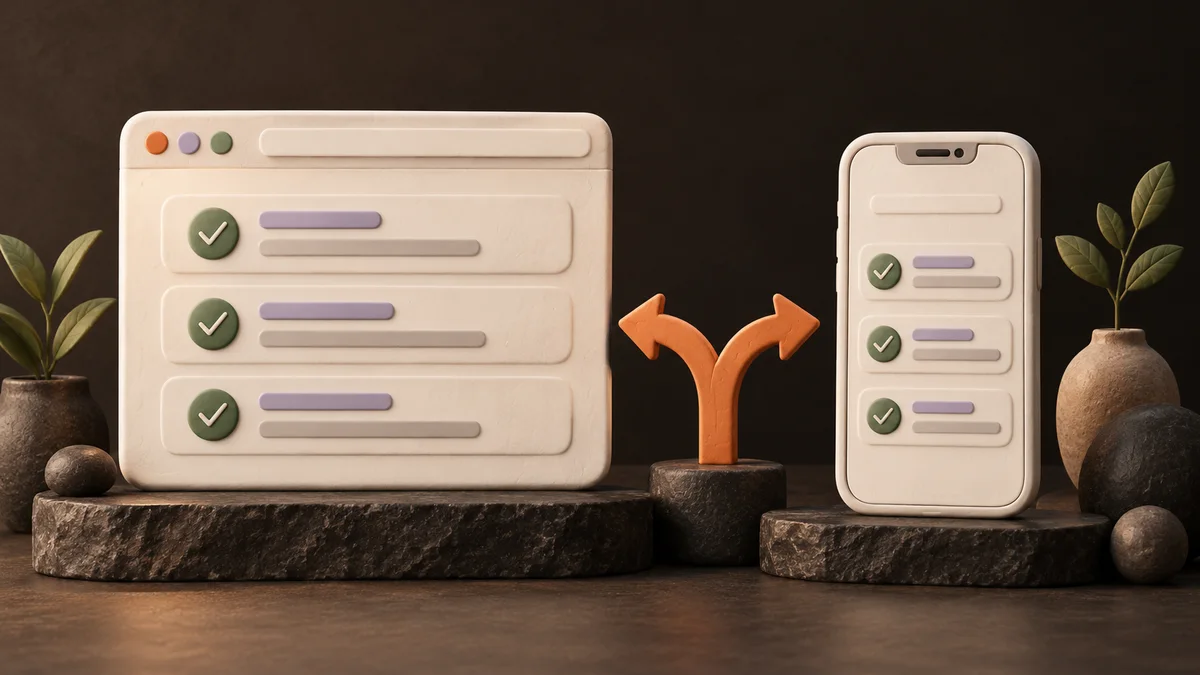
Start with a website or web app when people can get the result they need by opening a link. Investigate a mobile app first when an essential part of the product depends on how the phone works outside the browser. The right choice comes from the user's task, how they reach you, and what must work on their device.
“My customers use phones” does not settle the question. A web app can work on a phone, and a product people use every week can still run in a browser. Before choosing a builder, describe one person, one useful action, and the conditions in which they need to complete it.
Website, web app, and mobile app in plain language
The names overlap. A website can contain an interactive tool, and a web app can have public information pages. Use these distinctions to explain your first version:
| Format | What the user comes to do | Example |
|---|---|---|
| Website | Read information and take a next step | Understand a tutor's lessons and send an enquiry |
| Web app | Complete a task through a browser | Add tasks, edit a list, or check a private account |
| Mobile app | Use an installed application made for a phone platform such as iOS or Android | Record an activity with phone features that the product depends on |
A mobile-friendly website or web app has a layout and controls that work on a small screen. That describes how usable it is on a phone; it does not mean you have created an iOS or Android app.
You will also see native app used for an app built for a particular platform. Installed mobile apps may be built separately for each platform or with shared development tools that support both iOS and Android. You do not need to choose that technology yet. First identify whether your idea actually needs that route.
Opening a link and installing an app are different first steps
Imagine someone finds your language lessons through a social post, a search result, or a QR code. A website link can take them straight to lesson details and a contact action. A required installation adds another step before they can reach that result.
For an installed mobile app distributed through an app store, the journey can include opening the store page, downloading the app, and then entering it. That can be appropriate when people have a clear reason to keep using the product. It is worth questioning when they only want to read an offer or contact you once.
Both formats still need a way to reach people. Publishing a link does not bring an audience by itself, and appearing in an app store does not guarantee discovery. Write down where your first users will encounter the product and what they will have to do next.
Can a web app be installed on a phone?
Yes. A Progressive Web App (PWA) is a web app prepared for an app-like experience, including installation on supported devices. It can have a home-screen icon and open in its own window. Installation support and the steps users see vary by browser and platform. MDN's installation guide explains that distinction.
An icon does not guarantee offline use or every phone feature. Offline behavior and notifications need their own implementation and checks; support and permissions also vary. Decide exactly what must work without a connection, such as reading a saved list, and what still needs the internet, such as receiving a new customer request. See MDN's guide to offline and background operation.
Treat a PWA as a possible choice for a returning web audience. Test its installation and essential behavior on the devices you intend to support before promising them.
Choose from four common first-product situations
These are fictional decision examples. They show how requirements change the choice; they are not completed builds or device tests.
1. A business site that collects enquiries
A language tutor wants visitors to understand the lesson options and ask about availability. Visitors arrive from social media and shared links. They do not need an account or ongoing phone activity to ask a question.
A mobile-friendly website is a suitable first format. Start with the offer, accurate details, and a working contact route. If you include a form, check that the enquiry reaches the intended destination. A sent request is not a confirmed lesson booking. Our lead generation landing-page guide covers this path.
2. A simple personal tool
You want a shopping list that lets you add items and mark them as bought on your phone. The first version is for you, on one device, while you are using the tool.
A small web app can be a useful starting point. Check whether the list survives closing and reopening the page. Decide separately whether it needs to work offline or appear on another device. Saving a list in one browser does not automatically give you shared data across a phone and a laptop.
If offline shopping is essential, prove that behavior before choosing the final format. A home-screen shortcut alone is not the proof.
3. A service customers use repeatedly
A small fitness studio wants members to view the current class schedule, request a place, and return to see the studio's response. Members receive the link when they join.
A web app can support this kind of repeated task. Keep the first version focused on the schedule, request, and response. A request stays pending until the studio confirms it; do not make a button imply guaranteed availability.
Repeat use alone does not require a native app. Learn how members return and whether they need installation or notifications. If timely notifications are essential, test delivery on the intended phones and permission settings. Reconsider the format if the required behavior cannot be supported reliably.
4. A product with essential phone-specific behavior
A cycling tool must keep recording a route while the rider locks the phone or opens another app. The product loses its main purpose if recording stops.
Investigate the mobile development route before committing to a browser build. Make continuous recording the first technical check. Background work has restrictions even in mobile apps: Android's background-location documentation describes permission and update limits. A map that works while a page is open does not prove this cycling requirement.
Also avoid assuming that every phone feature requires a native app. Browsers can request camera access with user permission in supported secure contexts, as MDN's camera-access documentation explains. “Take one photo while the page is open” and “record an entire ride with the phone locked” are different requirements.
Fill in a first-product decision worksheet
Use your own intended audience and requirements. If you do not know an answer, write Unknown and name the person or device check that could resolve it.
| Question | What to write |
|---|---|
| Who is the first user? | One person or a small, specific group |
| Where do they arrive from? | A shared link, search, social post, QR code, invitation, or app-store page |
| What must they finish? | One action and its visible result |
| Why would they return? | A real repeat task, or “one visit may be enough” |
| What must work on the phone? | Exact needs: offline reading, camera use, notifications, or activity with the screen locked |
| What belongs in the first version? | Essential behavior, excluded features, and the checks needed before choosing a format |
For the fitness studio, an initial decision could be:
Members arrive through a link sent by the studio. They must view a class, request a place, and later see a confirmed or declined response. The first version will be a mobile-friendly web app used online. Payments, notifications, and app-store distribution are outside this version. Before accepting real requests, check that members see only their own requests and the studio can read and answer them.
This is an original example of a format decision, not a prompt or a finished system. If the studio later requires offline access or urgent notifications, revisit the decision with those requirements made explicit.
Check the requirement that could change your choice
Before polishing screens, choose the check that matters most:
- For a website: open the visitor link on a phone and complete the contact action. Confirm receipt separately if the product sends an enquiry.
- For a web app: complete the core task, reopen it, and check the saved result. If there are accounts, check that users can access only the data intended for them.
- For a PWA: try installation on the intended browsers and phones. Test any promised offline behavior or notifications separately.
- For a mobile app: prove the essential device behavior on the target platform, including the conditions that matter, such as a locked screen or lost connection.
If the key check fails, change the implementation or narrow the promise before continuing. A polished screen is useful for discussing an idea, but it does not prove data storage, delivery, or background activity. Our idea-to-prototype guide helps you choose a small test once you know the intended format.
Where Lovable and the beginner course fit
Lovable is an AI builder: you describe what you want, and it generates and changes the application. Its official FAQ says it builds web applications that can be designed for phones, rather than native apps or React Native projects.
An installable PWA or a separately packaged app involves further work and testing. Packaging a web product for an app store is a separate delivery project; it does not prove your required phone behavior. Lovable's own mobile editor lets you build from your phone, which is a different product from an app your customers install.
If your decision is a website or web app, start with our Lovable beginner guide. For structured practice, RianVibe's Build Your First Digital Product with AI course uses a Todo web app to teach describing features, making changes, handling data and login, checking results, and publishing a web product. The introduction is free; the full course is paid, with provider charges separate.
The course teaches a web-building workflow. It does not teach native mobile development or app-store release. If native phone behavior is essential to your idea, choose a learning or development route that covers that requirement. Once the format is clear, our AI builder comparison can help with the next tool decision.
Platform sources checked October 15, 2026. Recheck support for the particular devices and browsers your product will serve.
FAQ
Is a web app the same as a website?
They overlap. In this guide, a website mainly helps visitors read information and take a next step, while a web app lets them complete an ongoing task, such as editing a list or checking an account. Both can open through a browser link and work on a phone.
Does using a product on a phone mean it must be a mobile app?
No. A mobile-friendly website or web app may cover the whole task. Choose an installed mobile app when the user's requirements justify it, and check essential phone behavior before committing to that format.
Does a PWA automatically work offline?
No. Installation and offline behavior are separate. The app must implement the promised offline tasks, and you must test them. Reading previously saved information without a connection is also different from receiving new information from a server.
Can Lovable publish a native app directly to an app store?
Lovable builds web applications and does not generate native mobile or React Native projects. A PWA or an externally packaged web app is a separate route with additional checks; do not treat a published web link as an app-store release. Use the current Lovable documentation before planning that work.